How to view documents on the Tax Authority (AT) Portal
Information on how to view documents issued from your NIF/NIPC and those issued to your NIF/NIPC on the Portal.
All documents issued and registered with the Tax Authority (AT) from or to your NIF/NIPC are available on the website
To check documents issued from your NIF/NIPC, go to Billing / Issuer / Document Inquiry or access the page directly via this link
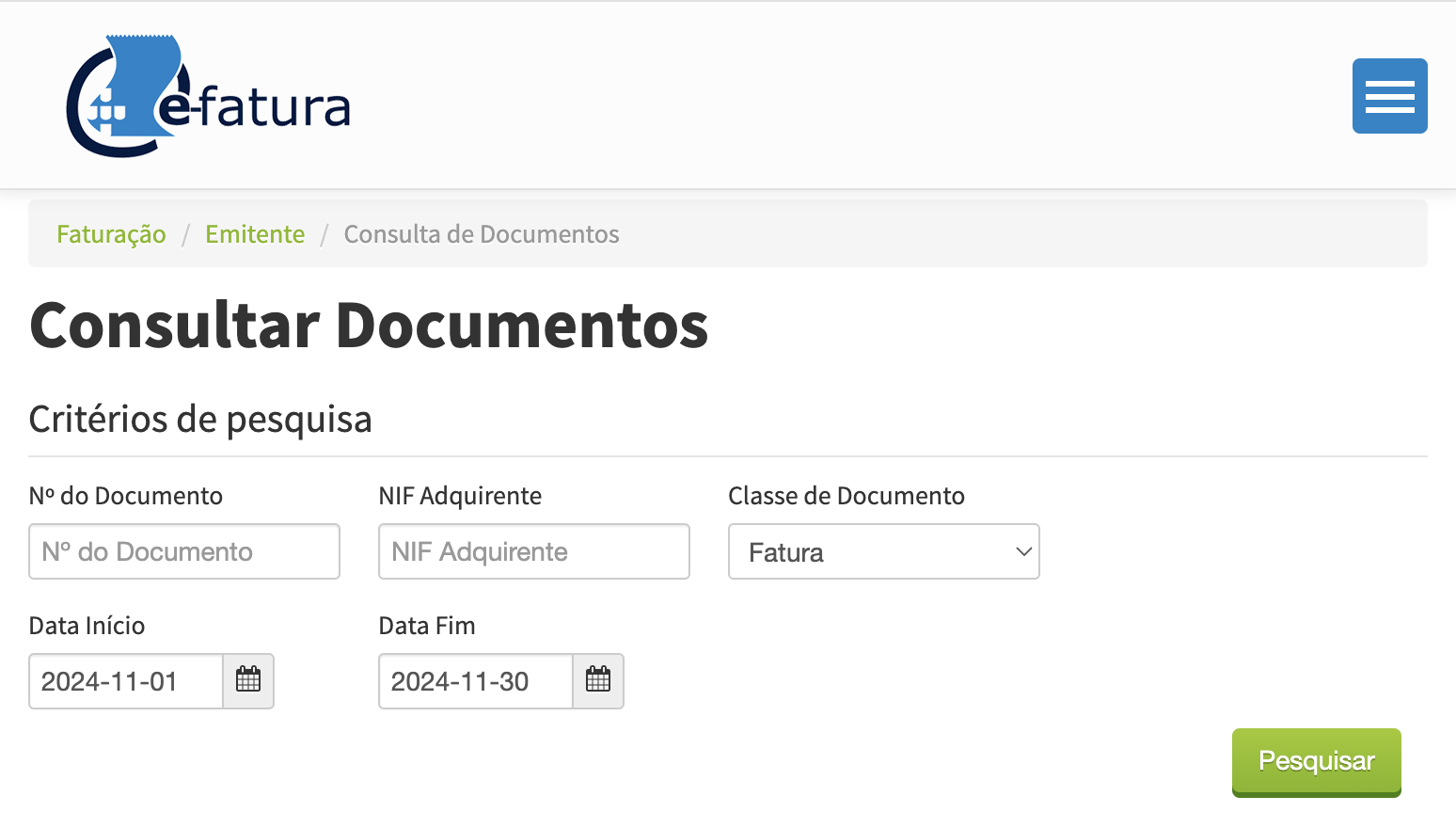
The Receipt document may not appear in e-Fatura during the automatic communication with the Tax Authority (AT). If your business is not under the Cash VAT scheme, there is no need for concern. The client may request the Receipt document as proof of invoice payment, and you can simply send them the PDF of the Receipt generated by FIZ.
For businesses under the Cash VAT scheme, FIZ has not yet developed a specific Cash VAT Receipt document. This solution will be available soon.
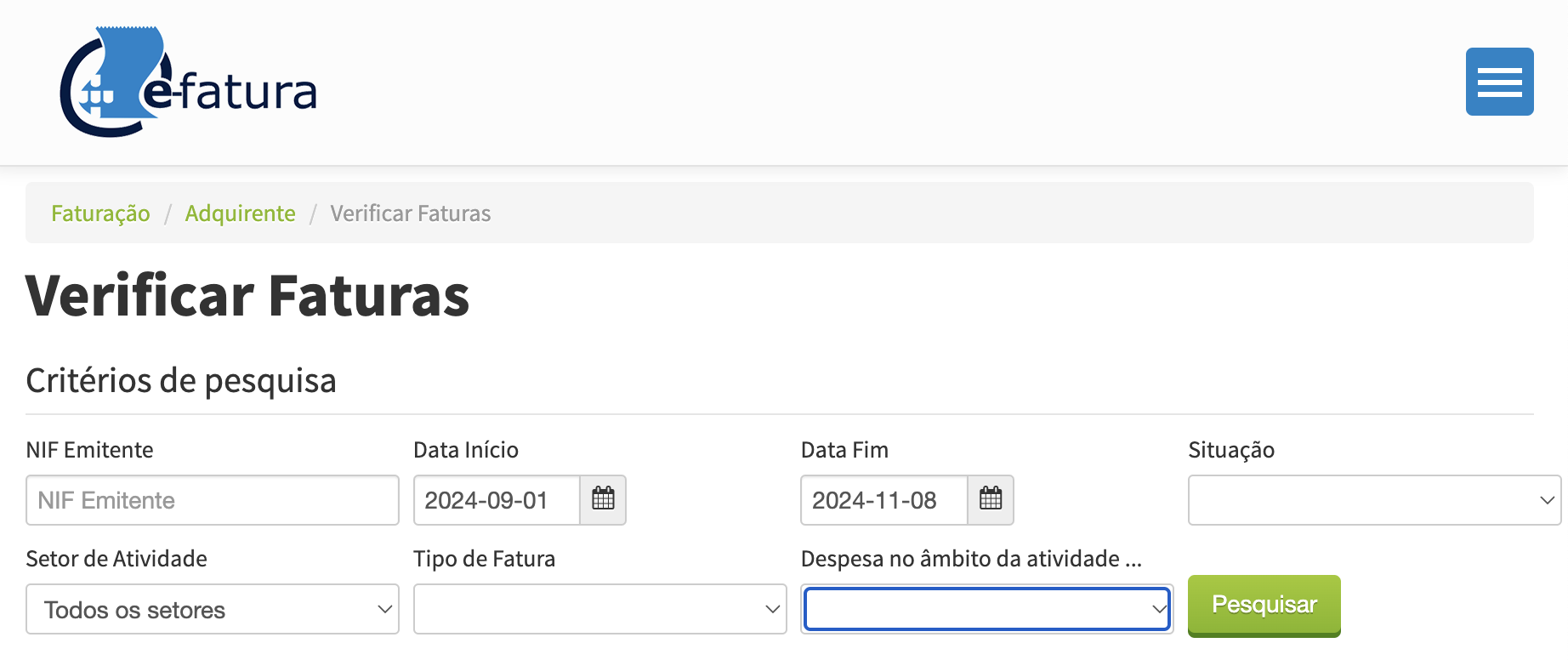
To view all documents issued to your NIF/NIPC, go to Billing / Recipient / Verify Invoices or access the page directly via this link
Did this answer your question?